Desk setup makeover: redesign your desk corner from one photo
A practical desk makeover in five steps: what to clear, how to light it, which one big thing to change, and a real before-and-after of a cluttered home desk redesigned from a single phone photo.
Updated November 5, 2026 · 6 min read
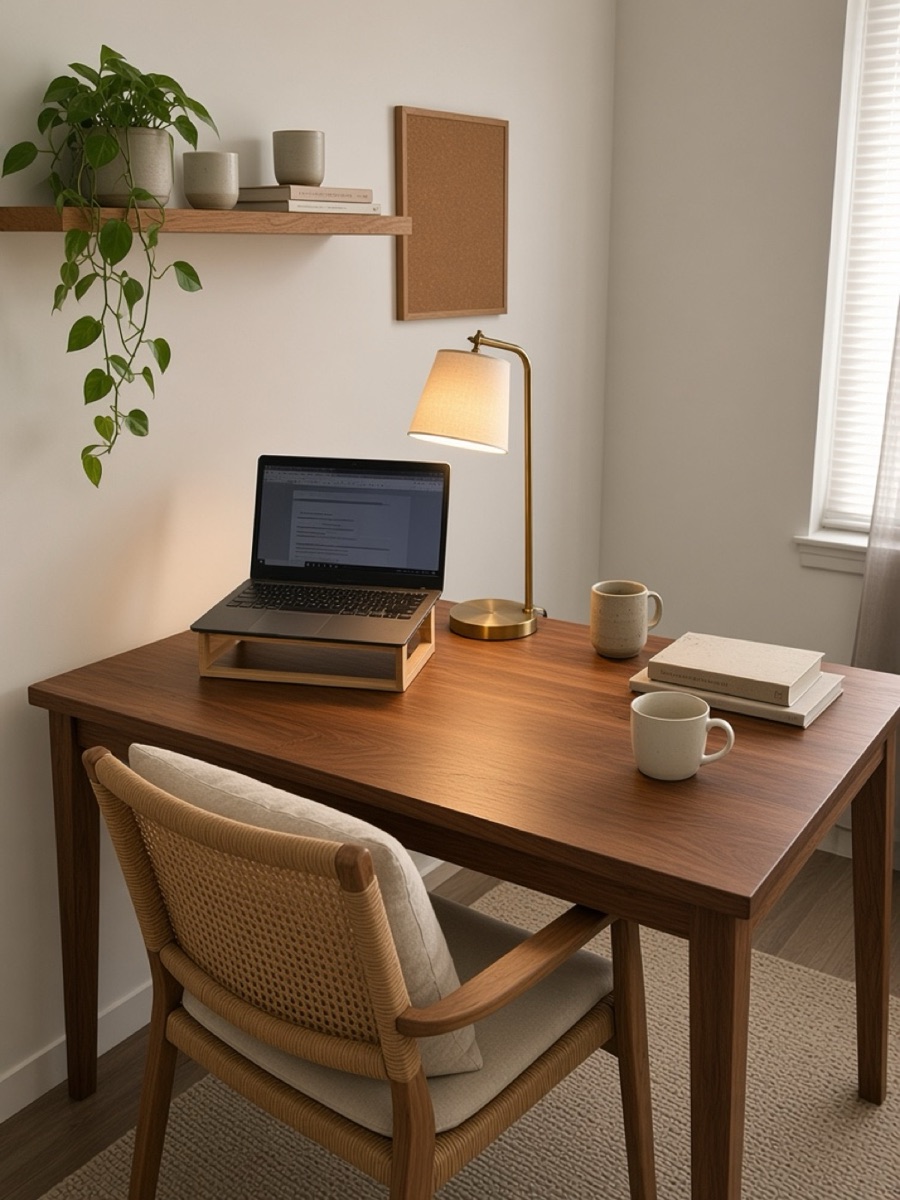
Clear the desk down to what you use every day, light it from the side opposite your writing hand, lift the screen towards eye level, give cables and papers a closed home, and add one warm element such as wood, a plant or a lamp with a fabric shade. Photograph the corner first, so you can compare, and so an AI designer can work from the real thing.
Most desks do not need new furniture. They need fewer things on top, better light and somewhere for the cables to go. Here is the order we follow, then a real example: a white desk photographed on a phone, with papers, a black office chair and a bare lamp, and the design room redesign made from that one photo.
1. Photograph it as it is
Take one photo from where you would stand to talk to someone at the desk, in daylight, with the clutter left in place. It is your before picture, and it shows a designer what the corner really holds: the window, the socket, the radiator, the wall you are allowed to drill.
2. Clear the surface
- Keep only what you touch every day on the desk: screen, keyboard, one notebook, one cup.
- Give paper a closed home: a drawer unit, a box file or a shelf above the desk.
- Lift the laptop or monitor so the top of the screen sits near eye level; a riser or a stack of books does it.
- Run cables into a tray under the desktop and use one power strip to the wall.
3. Light it from the side
Put the desk lamp on the side opposite your writing hand so your hand does not throw a shadow, and keep the screen at right angles to the window so there is no glare on it and no bright window behind it. A warm bulb for the evening and one softer light elsewhere in the room stop the desk from feeling like a spotlit island.
4. Change one big thing
- 01The chairIt is the piece you feel most. If the old one stays, a seat cushion or a throw changes how it looks.
- 02The desktopWood warms a white room quickly. A desk mat in leather, felt or cork does half the job for little money.
- 03The wallA shelf, a pinboard or one framed print gives your eye somewhere to rest above the screen.
A real before and after
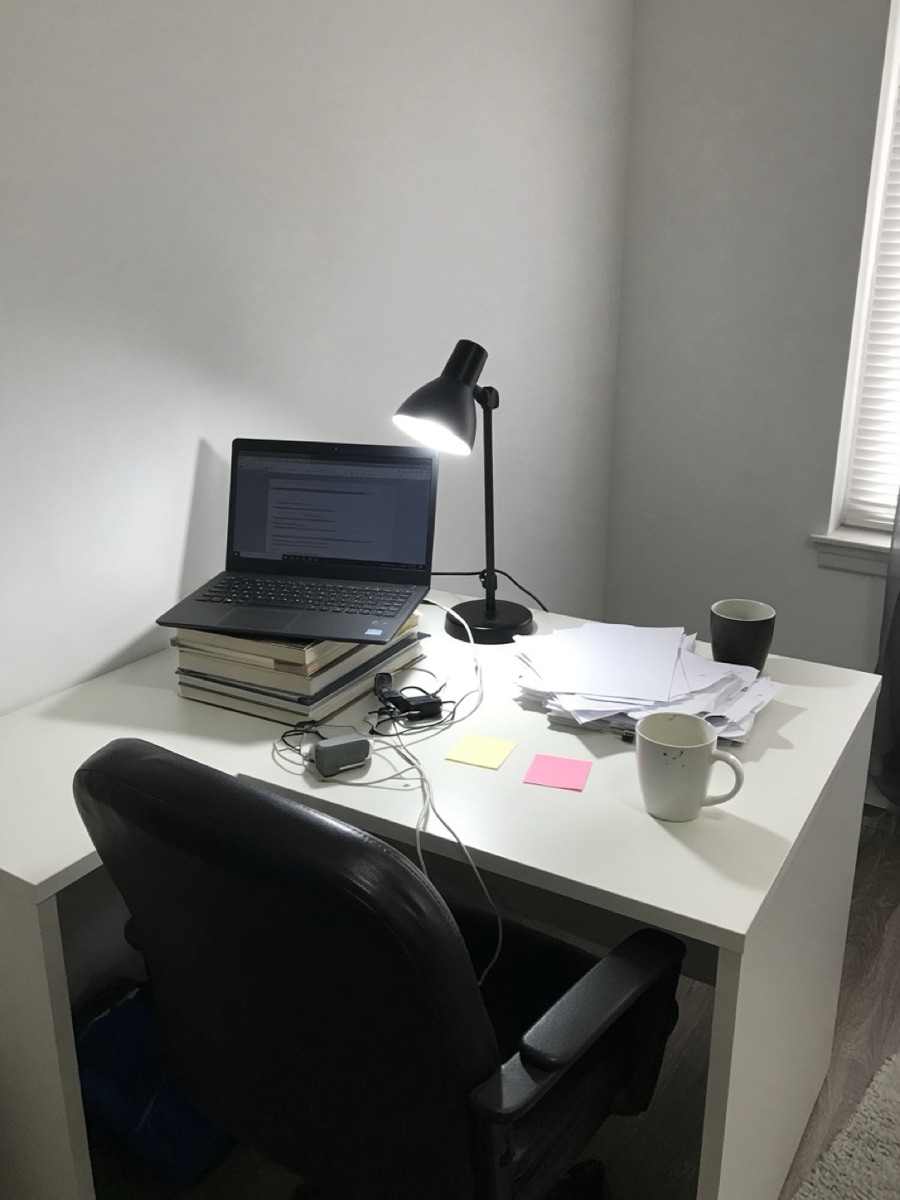
What changed: the white desk became a walnut one, the black office chair a cane-backed wooden chair, the bare lamp a brass one, and the empty wall got a shelf with plants and books. A laptop riser lifts the screen and the papers are gone. Every piece in the design is a real product from a store, so the picture comes with a list you can order from.
5. Ask for changes in plain words
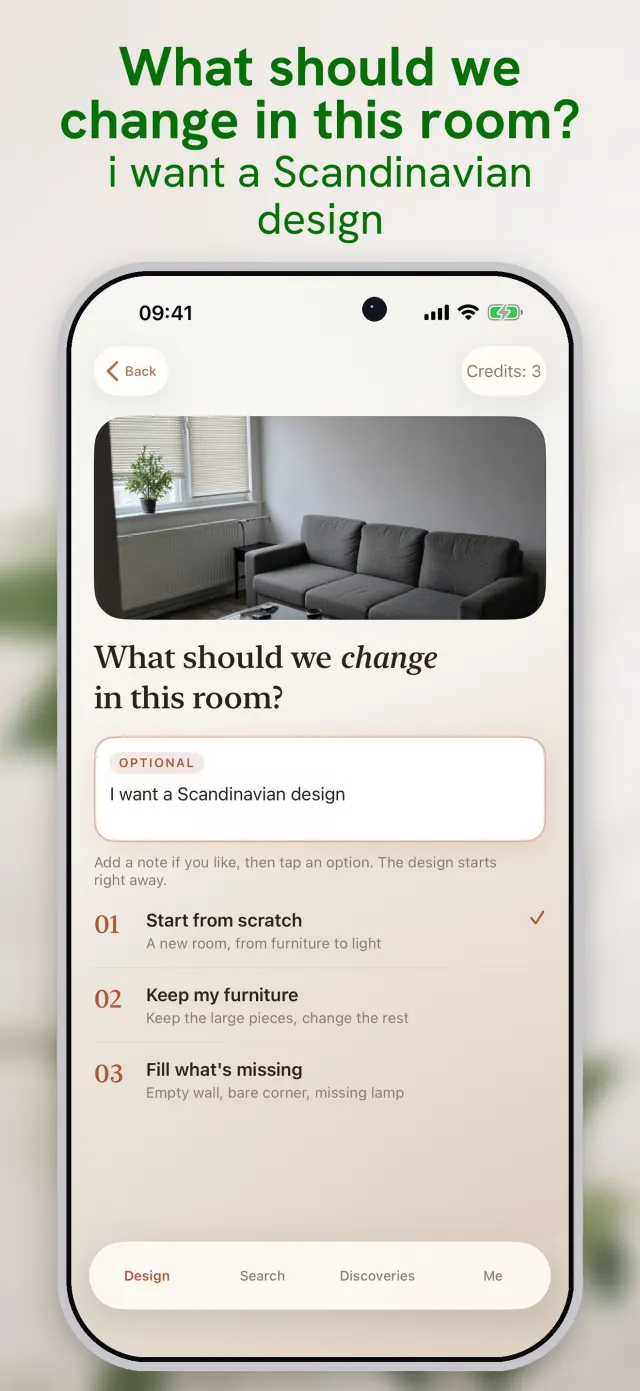
If the design is close but not right, say so: “cheaper pieces”, “keep my chair”, “more storage”, “warmer light”. In room redesign each change redraws the corner with new products for one credit, and the earlier versions stay saved on your phone so you can compare them.
Questions people ask
How do I make my desk look better on a budget?+
Clear the surface first, then add one warm material (a wooden or felt desk mat, a plant, a lamp with a fabric shade) and hide the cables. Those three cost little and change the photo the most.
Can I redesign my desk from a photo?+
Yes. Photograph the corner in daylight. In room redesign you can keep your desk and change what is around it, or start from scratch; every piece shown is a real product with a store link.
Where should a desk go in a bedroom?+
Beside the window rather than facing it or with your back to it, so daylight falls from the side. If you can, keep the bed out of your eyeline when you sit.
Does it work for an office, not just a home desk?+
Yes. Home offices and offices, such as a small meeting room or an office lounge, are supported. Shops, cars and outdoor spaces are not.
Sources
Keep reading
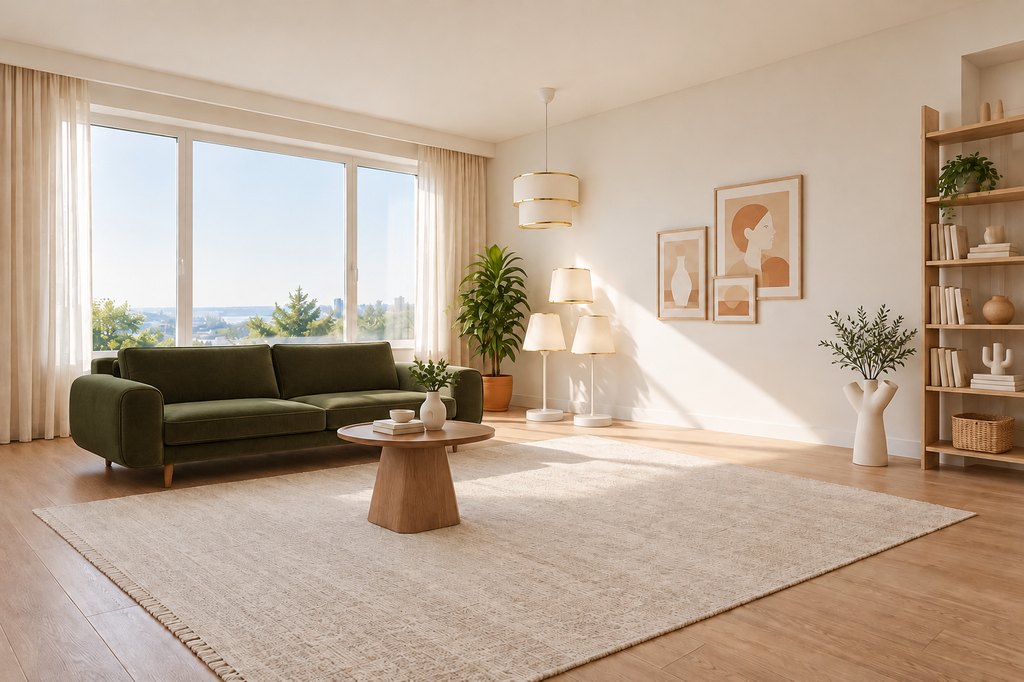 6 min readRoom design app for iPhone: redesign your room from one photoHow room redesign works on iPhone, step by step with the app's real screens: one photo, an optional note, two AI designs and the real furniture in them, each linked to a store in your country.4 min readHome office setup for a small cornerHow to fit a comfortable, good-looking workspace into a corner of a room: desk placement, light, screen height and storage.
 7 min readBest AI interior design apps for iPhone in 2026: an honest comparisonWe searched the US App Store for “ai interior design” on 5 November 2026 and read the top listings: what each app does, how it charges, and where room redesign (the app we make) is better and worse.