Room design app for iPhone: redesign your room from one photo
How room redesign works on iPhone, step by step with the app's real screens: one photo, an optional note, two AI designs and the real furniture in them, each linked to a store in your country.
Updated November 5, 2026 · 6 min read
Download room redesign from the App Store (free, iPhone, iOS 17 or later), take one daylight photo of your room, choose whether to start from scratch, keep your furniture or fill what's missing, and about a minute later you get two designs. Every piece in them is a real product from a store in your country; tap it and the shop opens.
room redesign went live on the App Store on 3 November 2026. It is the same designer as the studio on this website, with the same account and the same credits, built around the camera in your pocket. This guide follows one design from photo to shopping list using the app's real screens, and says plainly what the app does and does not do.
What you need
- An iPhone on iOS 17 or later. The app is free to download: search the App Store for “room redesign”.
- One photo of a living room, bedroom, home office, desk, empty corner or office. It designs home and office interiors only.
- About a minute per design. It is not instant, because it searches real stores before it draws anything.
1. Photograph the room
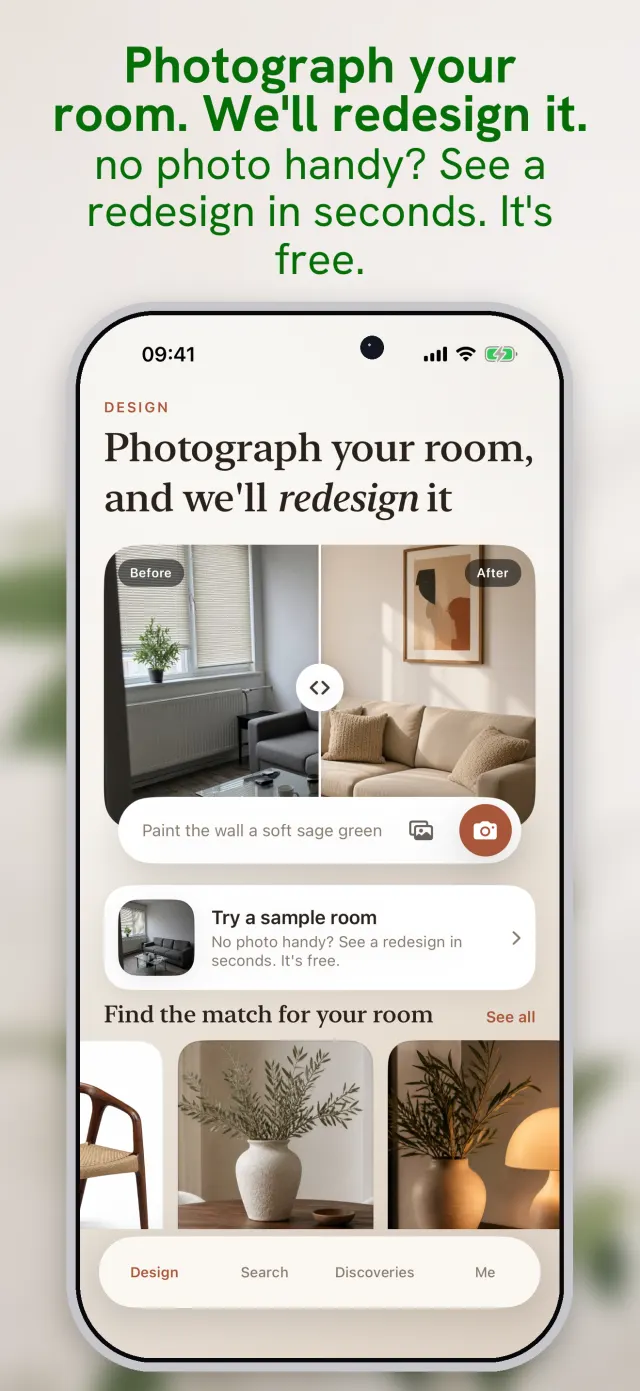
Stand in the doorway or the corner furthest from the window, hold the phone level at chest height and take one wide photo in daylight. Leave the furniture where it is: what is already in the room tells the designer its size far better than an empty floor. Skip the ultra-wide lens if you can; it stretches the walls and makes every piece look smaller than it is.
2. Say what you want, or don't
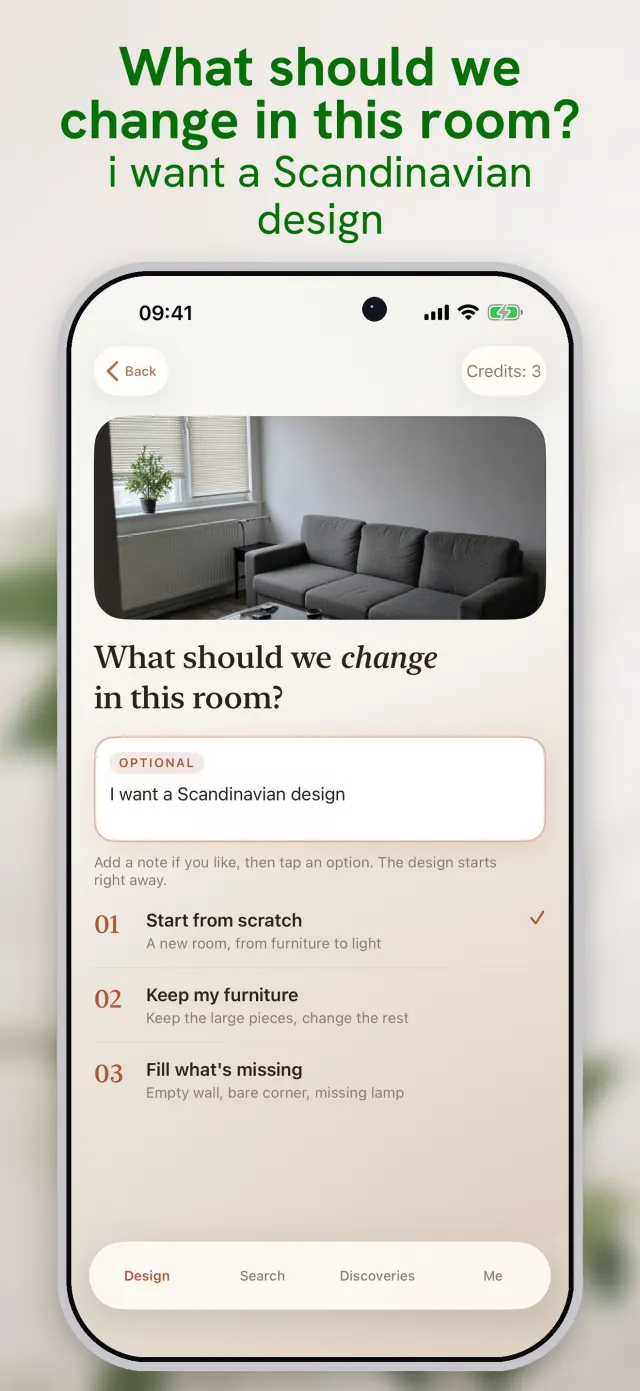
- 01Start from scratchA new room, from furniture to light. The walls, windows and floor stay; everything you could carry out can change.
- 02Keep my furnitureKeep the large pieces you own and change the rest around them. Choose this when the sofa or bed is new, expensive or simply staying.
- 03Fill what's missingFor an empty wall, a bare corner or a room with no lamp. The app adds what the room lacks and leaves the rest alone.
3. Two designs, and every piece is real
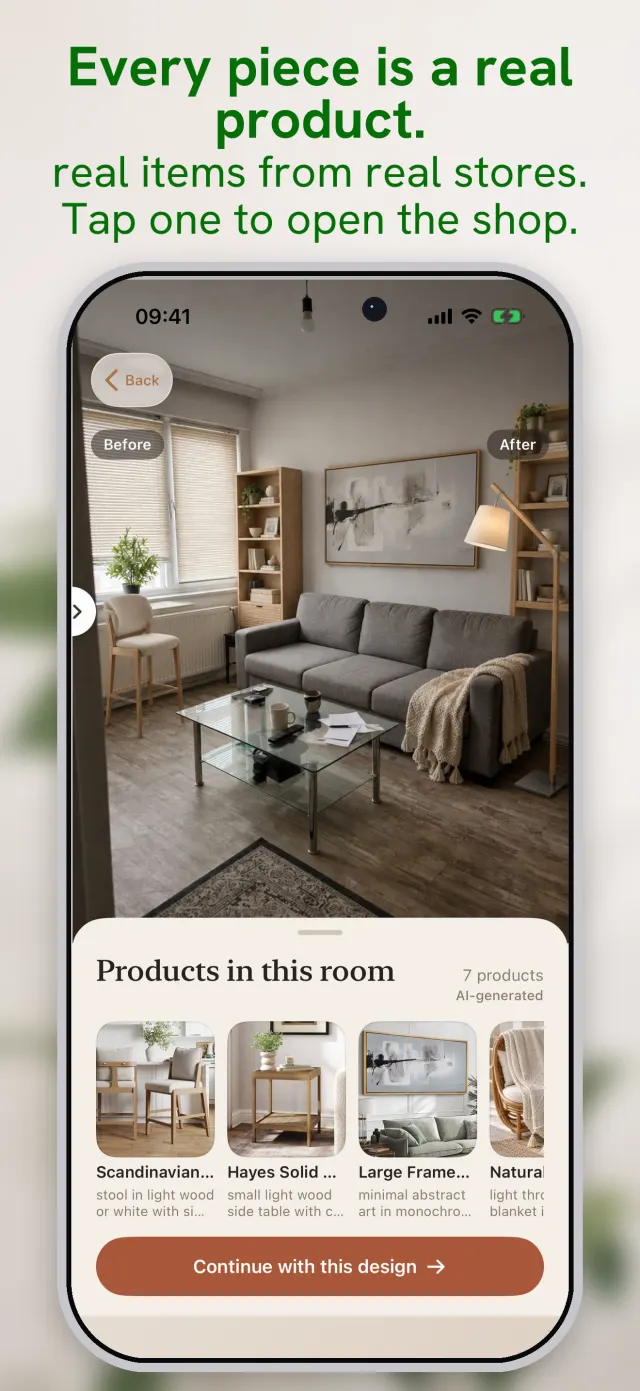
For each design the app decides which pieces the room needs, searches for each one in your country's language, checks every product photo before using it, and only then draws your room with those pieces in it. In the United States the results come from stores such as Amazon, Walmart, Target and Wayfair; in the UK, Canada and Australia from their own local shops. Tap any piece to open the retailer's page and check the size, price and delivery before you buy.
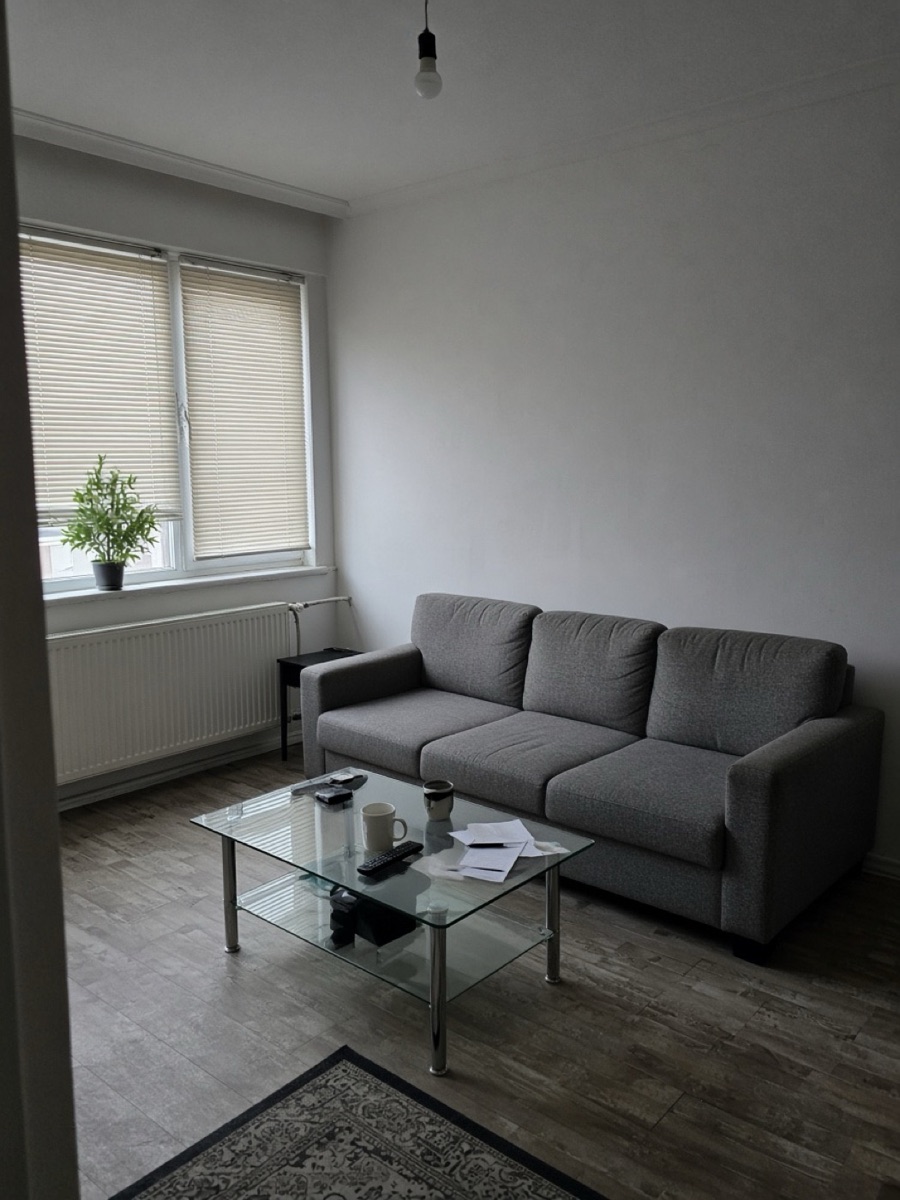
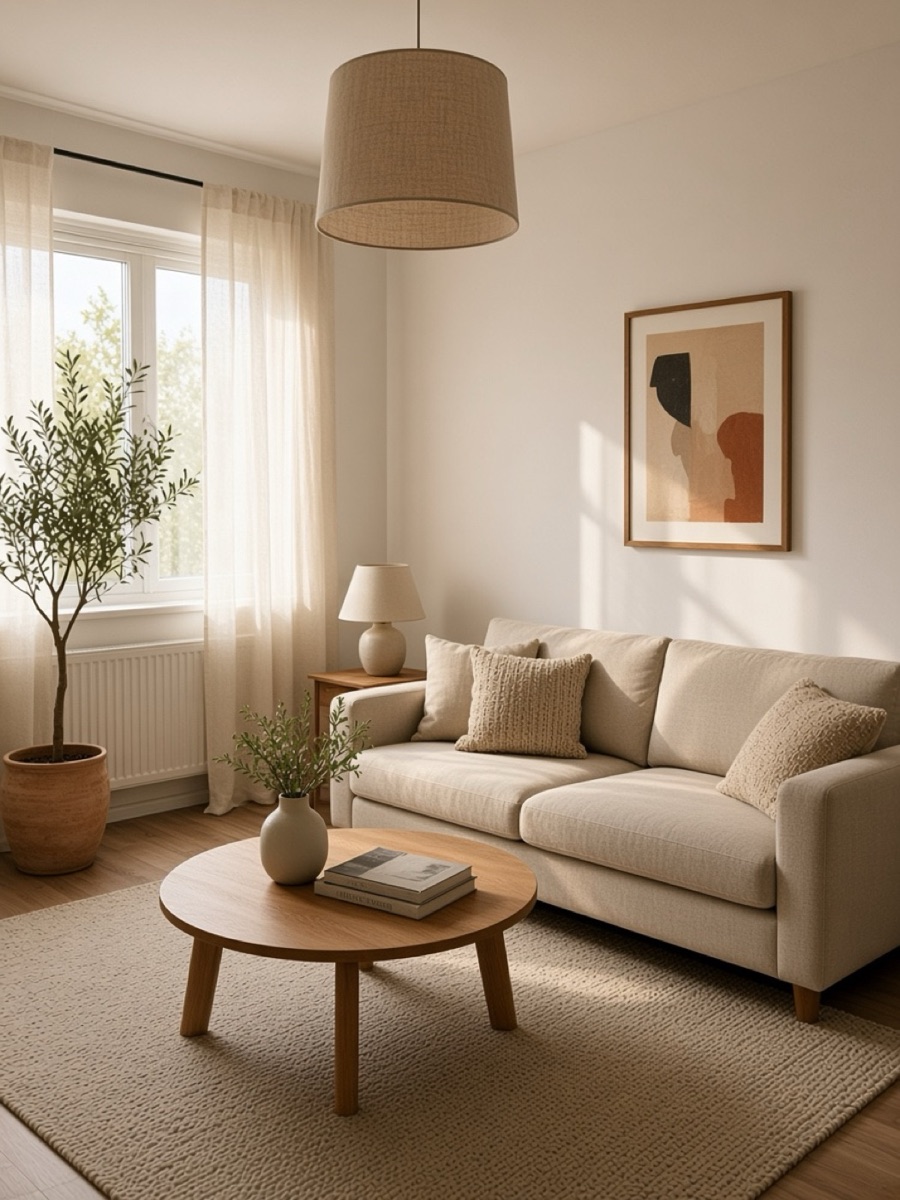
4. Change it by asking
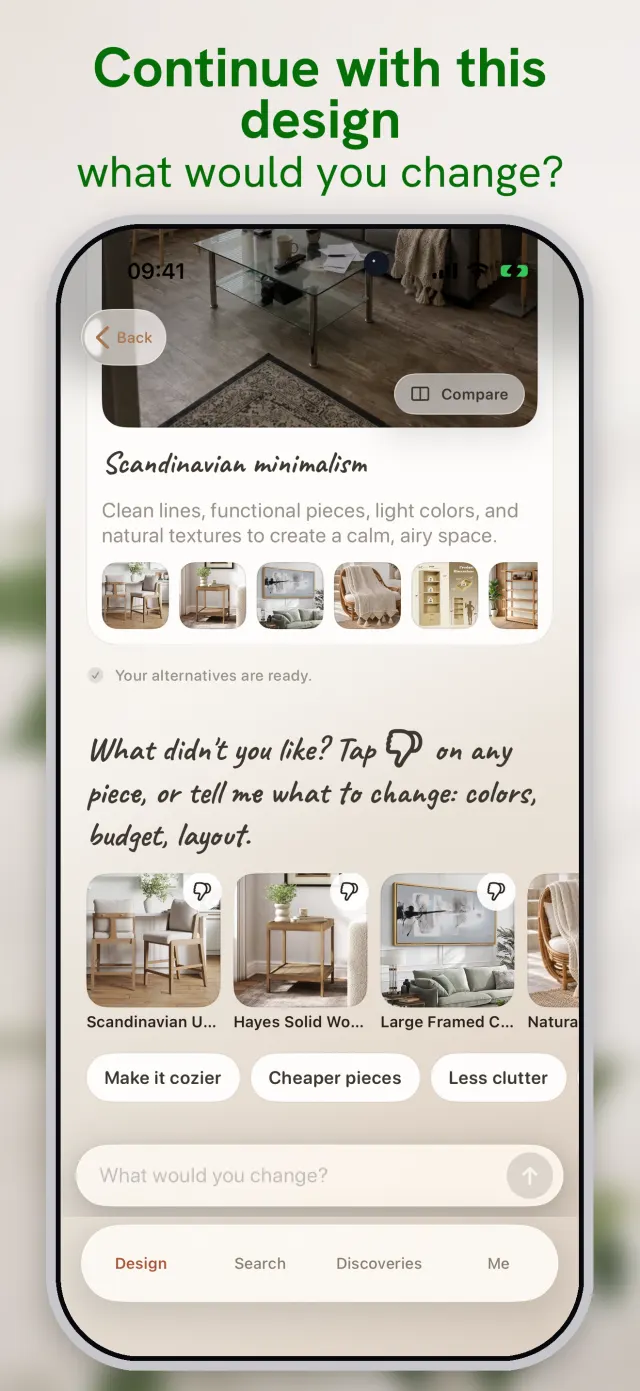
The first design is a starting point. Tap thumbs down on a piece, or write what you want in plain words: “make it cozier”, “cheaper pieces”, “less clutter”, “keep the rug but change the sofa”. The room is redrawn with new products for one credit, and your earlier designs stay saved on your phone so you can compare them side by side.
What it costs
The download is free. Designs use credits, which you buy inside the app in one-off packs of 10, 20, 50 or 100; there is no subscription to cancel. One credit makes one room design, and one credit also covers 40 live product searches. The App Store shows each pack's price in your own currency before you pay.
One account on the web and on iPhone
Sign in with Apple and your designs and credits follow you to a new phone and to the studio on this website, where you can also start a room from a computer. The rooms you make in the app are saved on your phone and stay private: there is no public feed and nothing is shared unless you share it.
Questions people ask
Is the room redesign app free?+
The download is free, and the App Store listing describes a first trial design. After that, each design uses one credit from a one-off pack of 10, 20, 50 or 100 credits. There is no subscription.
Is there an Android version?+
Not yet. On Android or on a computer, use the studio on this website: it is the same designer, with the same account and the same credits.
Are the products in the design real?+
Yes. Every piece comes from a live search of stores in your country, its photo is checked before it is used, and tapping it opens the retailer. The room image itself is AI-generated and labelled that way.
What happens to my room photo?+
On iPhone the photo goes through our server on Google Cloud to the AI provider (OpenAI), which draws the design, and the result comes back to your phone. Your rooms and their images are saved on the phone. The privacy policy has the full details.
Which languages does the app support?+
39 languages, including English, Simplified Chinese, Japanese, Hindi, Spanish and Arabic. Your country decides which stores are searched, and the search runs in that country's language.
Sources
Keep reading
 7 min readBest AI interior design apps for iPhone in 2026: an honest comparisonWe searched the US App Store for “ai interior design” on 5 November 2026 and read the top listings: what each app does, how it charges, and where room redesign (the app we make) is better and worse.
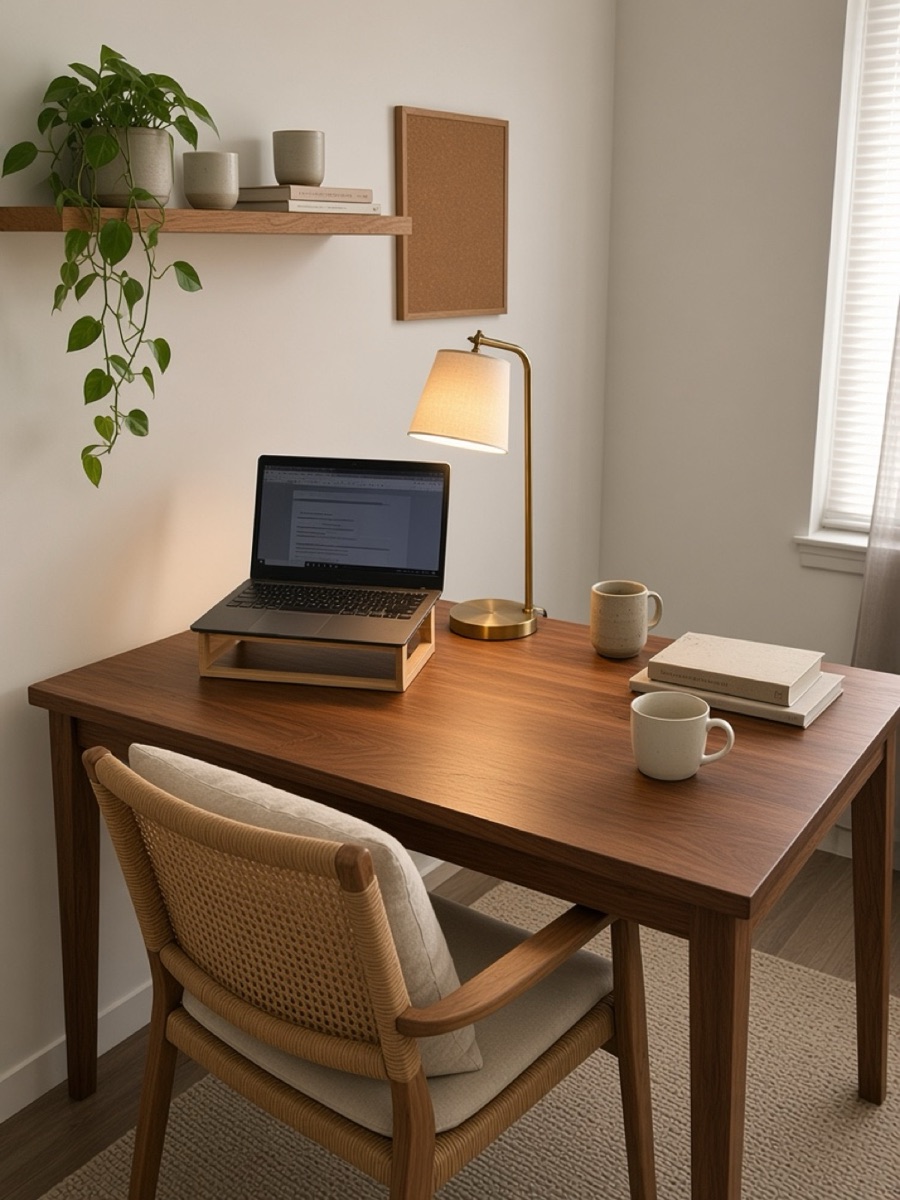 6 min readDesk setup makeover: redesign your desk corner from one photoA practical desk makeover in five steps: what to clear, how to light it, which one big thing to change, and a real before-and-after of a cluttered home desk redesigned from a single phone photo.
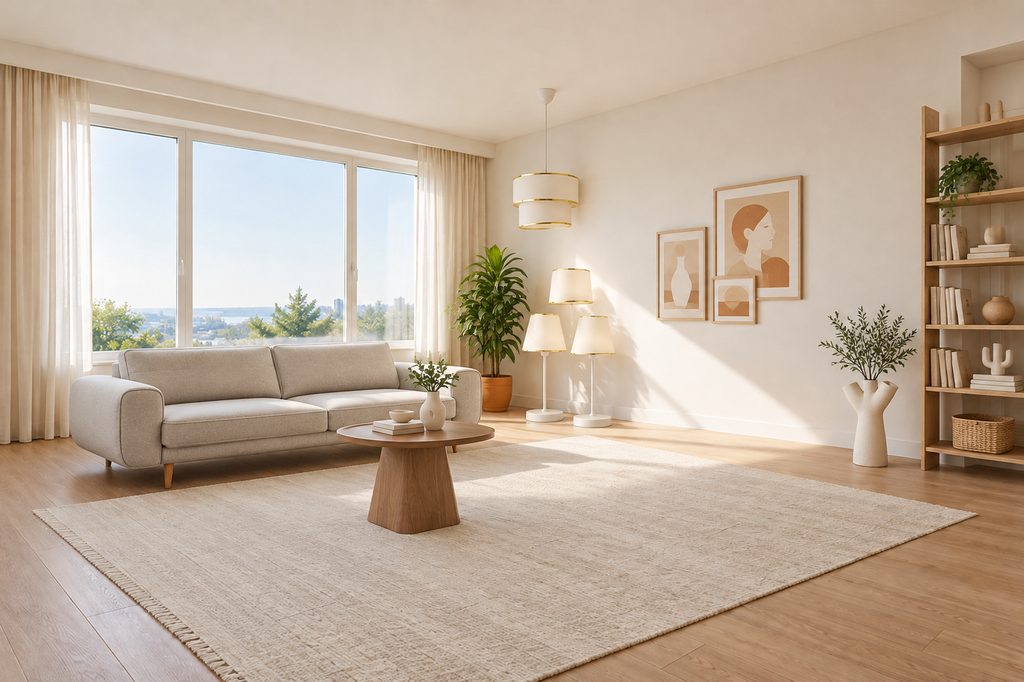 5 min readHow to redesign a living room from one photoA practical way to plan a living room makeover from a single phone photo: what to shoot, what to keep, and how to turn a picture into a list of pieces you can actually buy.